––––– UX|UI case study · 10 min read
Redesigning of Dashboard (calendar and navigation focus)
Bookingkit Core (B2B) Vendor Platform
––––– My Role: Product designer
User Researcher, Interaction Designer, UX Designer, UI Designer
––––– Deliverables
User Research, Design Strategy, Interaction Design, Wireframing and Prototyping, Testing and Iterating.
––––– Tools Used
Figma
FigJam
Maze
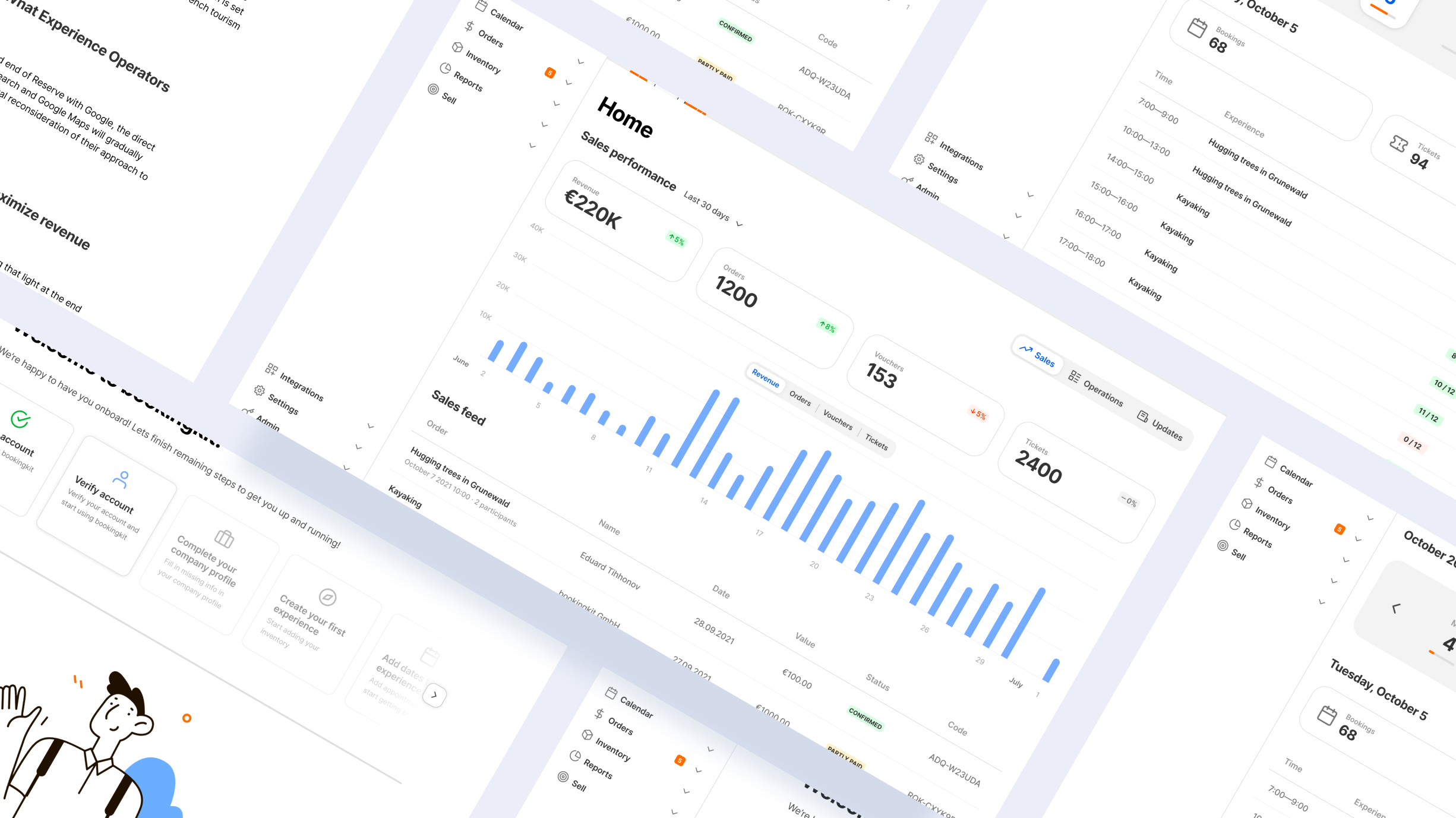
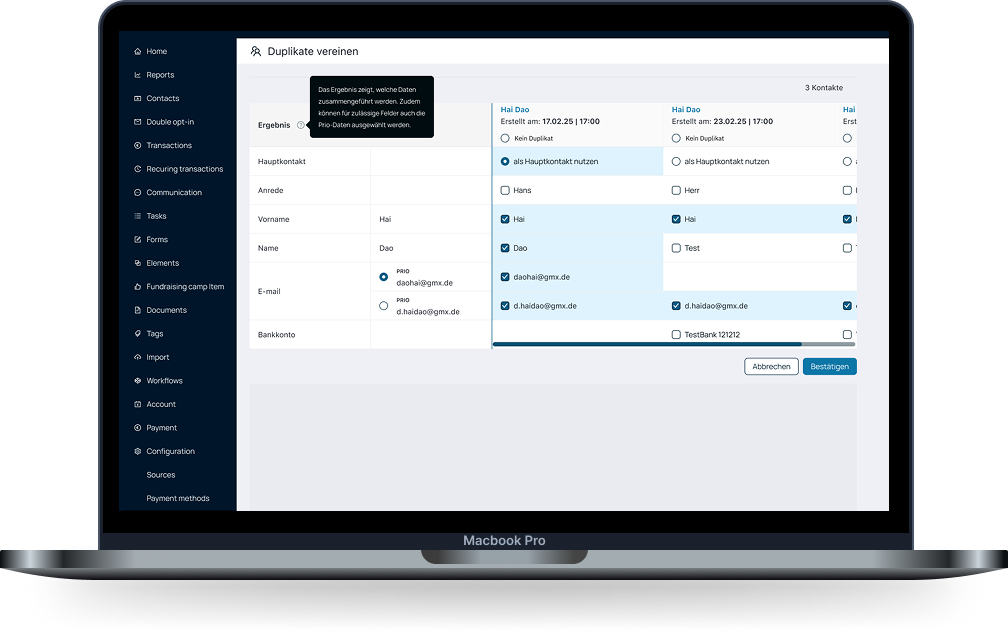
Some dashboard views
––––– Background
Bookingkit is a professional booking software for tours, activities & attractions and is Europe's leading booking, marketing & administration suite for operators.
––––– Challenge&Problem
Challenge: improving usability and visual design of the existing dashboard.
Problem: After conducting Usability testing it came out clear that the existing dashboard was decent but it desperately needed usability and visual design upgrades. The calendar and navigation were one of the features that users mentioned as one the most used and important but also most problematic in the current design. Questions I was trying to answer:
- WHO is having problems
- WHAT is the problem?
- WHERE does it occur?
- How can we solve it?
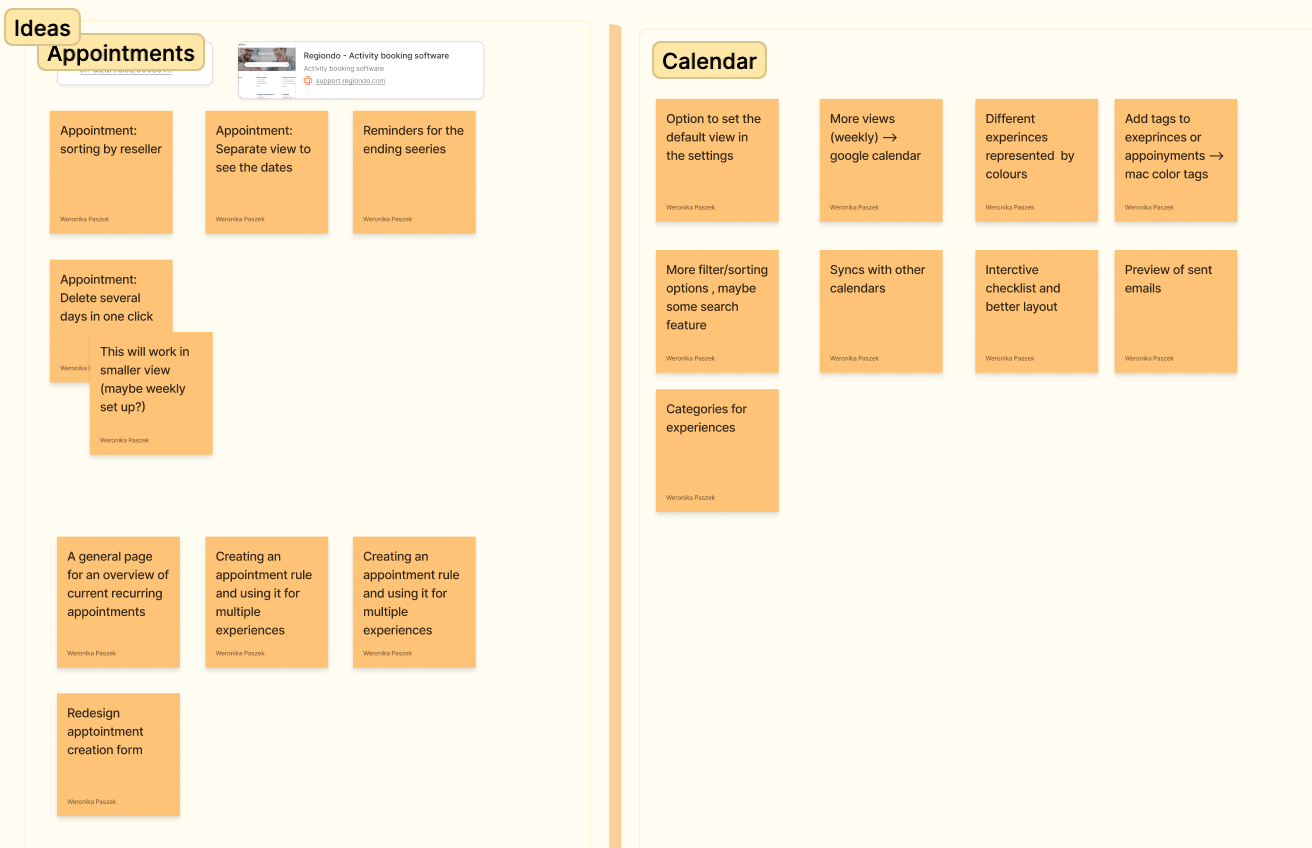
––––– User Insights
User Interviews: to get a context-specific understanding of the problem, I interviewed six vendors from various companies. I aimed to learn about the challenges they face when using the current dashboard of the product focusing on the calendar.I was trying to find out:
- 1)WHAT’S the customer trying to do?
- WHAT problem are they trying to solve?
- HOW are they doing that now?
- Examples of problems faced
- LIKE AND NOT LIKE about the current process now
––––– Workshop
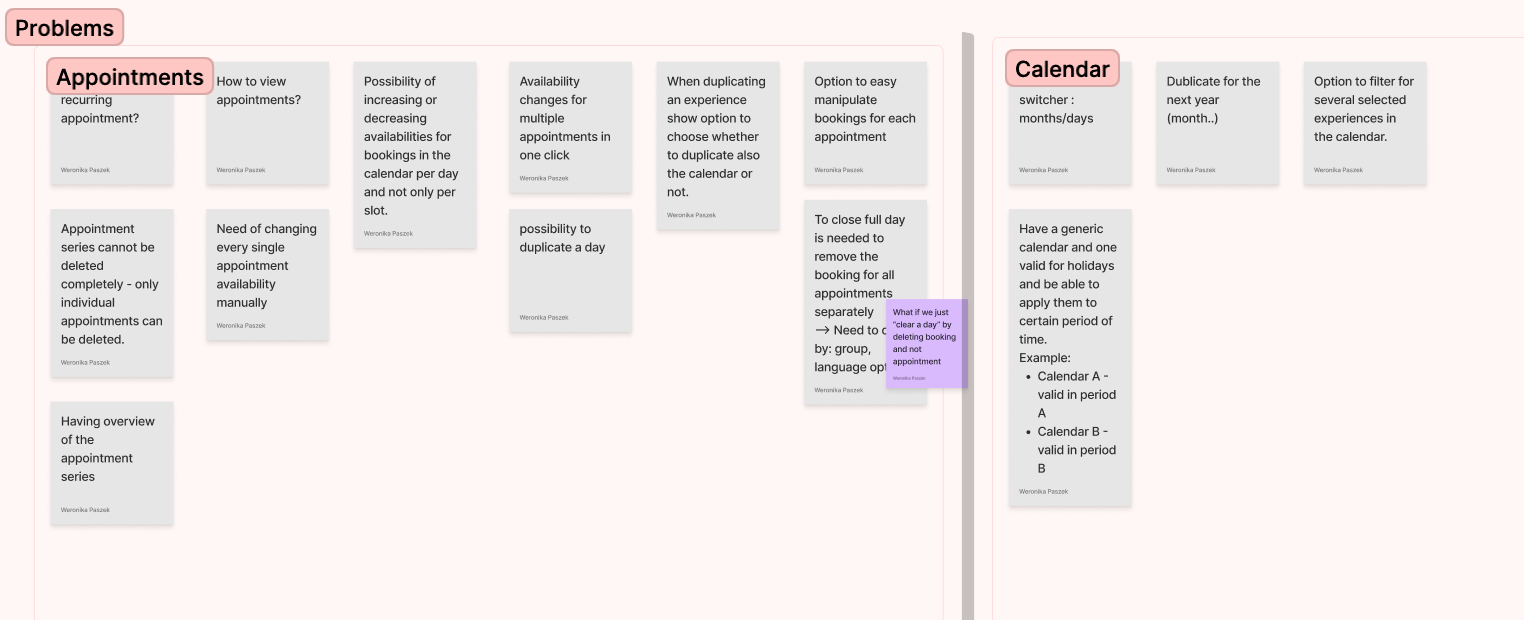
in a workshop ( designer, developers business representatives ) we established the main improvements for calendar features. Based on the workshop results I have created user flows ( for persona: vendor) as well as wireframes and eventually Hi-fi designs.
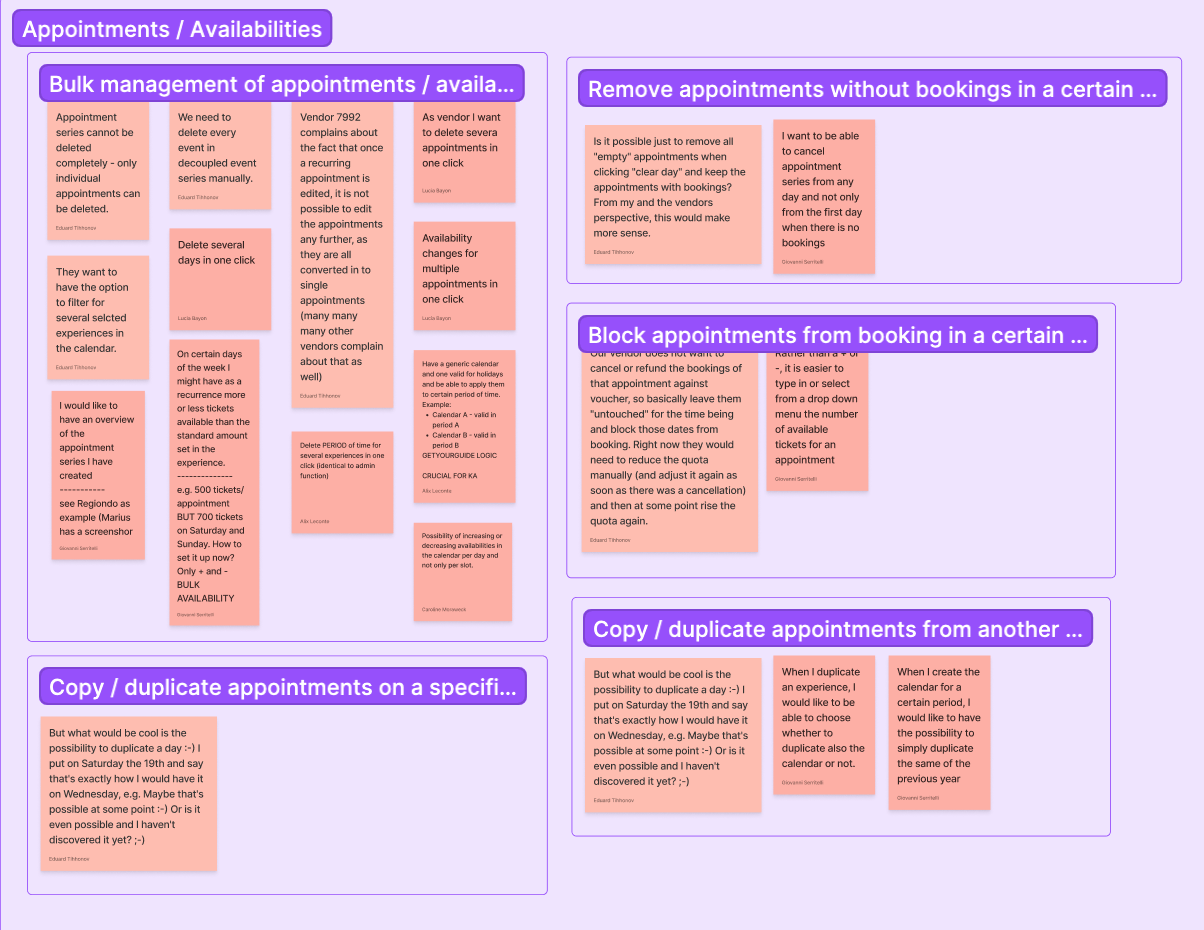
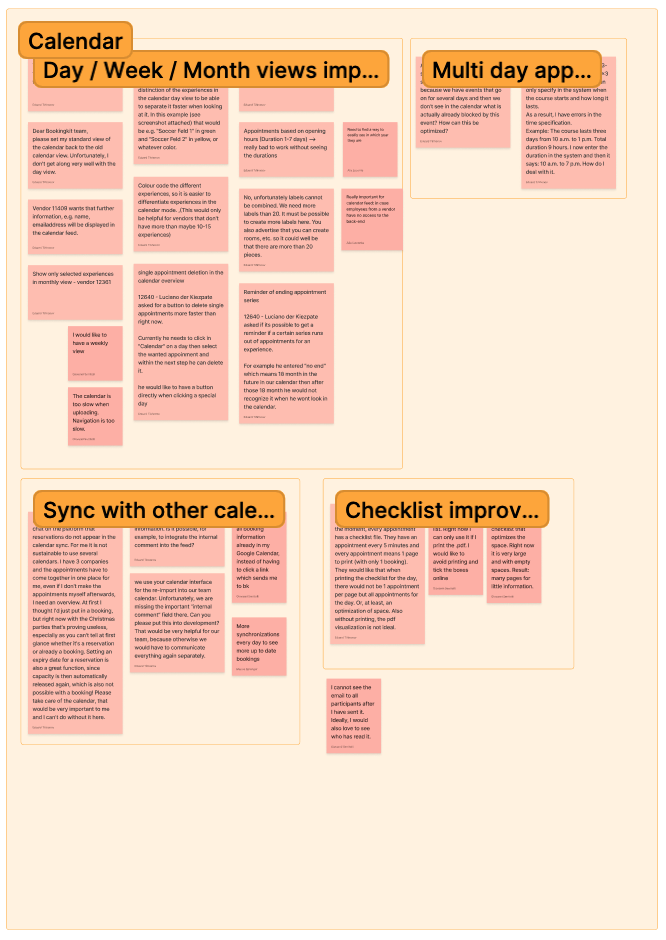
Workshop Outcomes
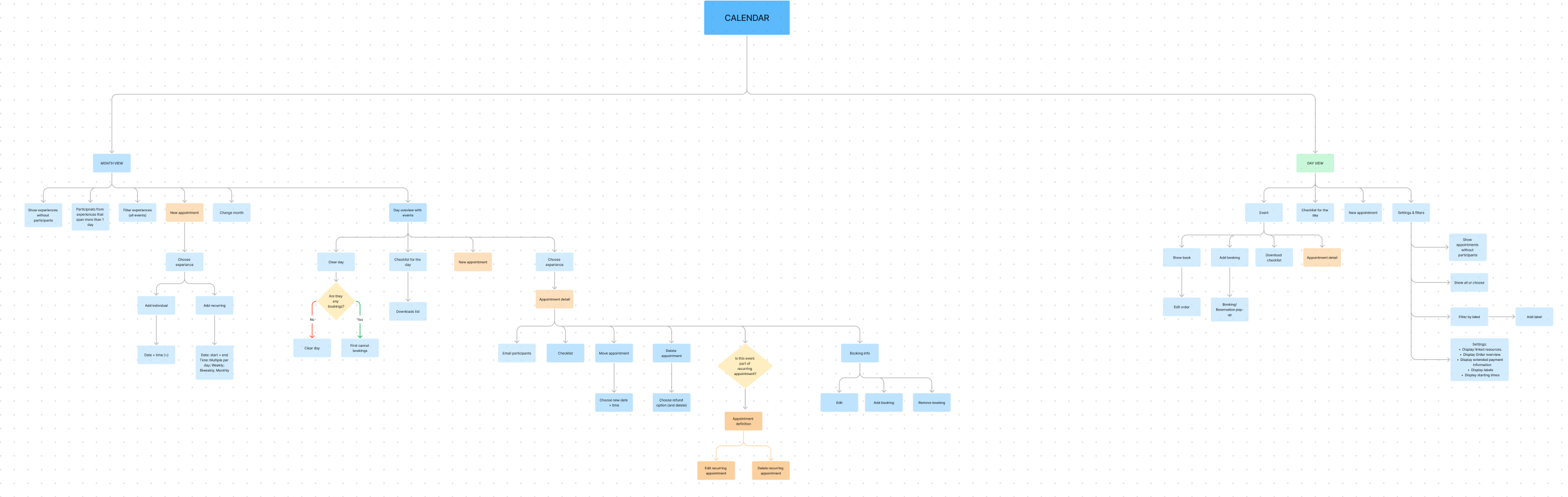
Callendar Flow
––––– Final Design
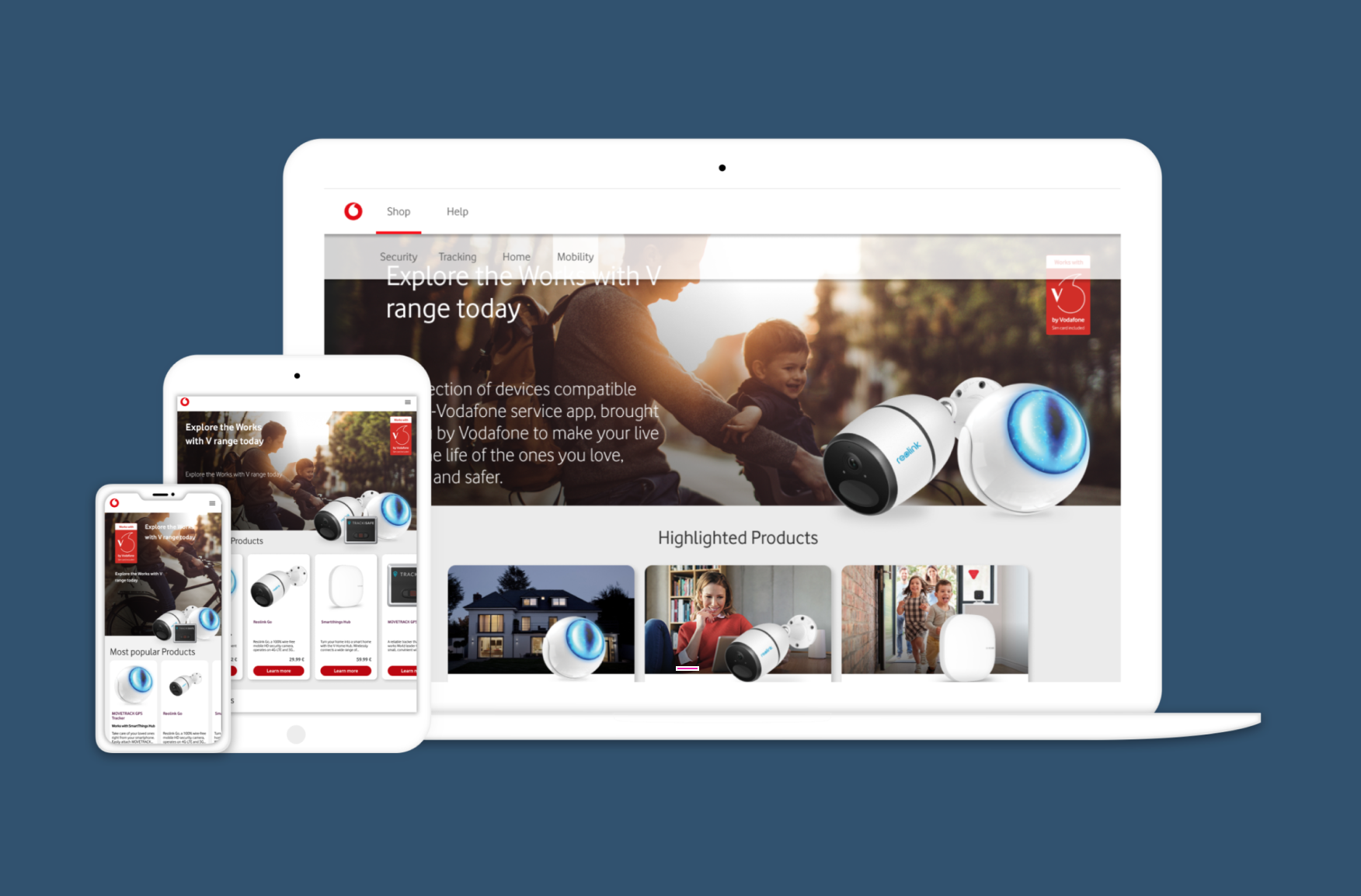
as a result, a new calendar and navigation for ( mobile, tablet, and desktop) have been designed.
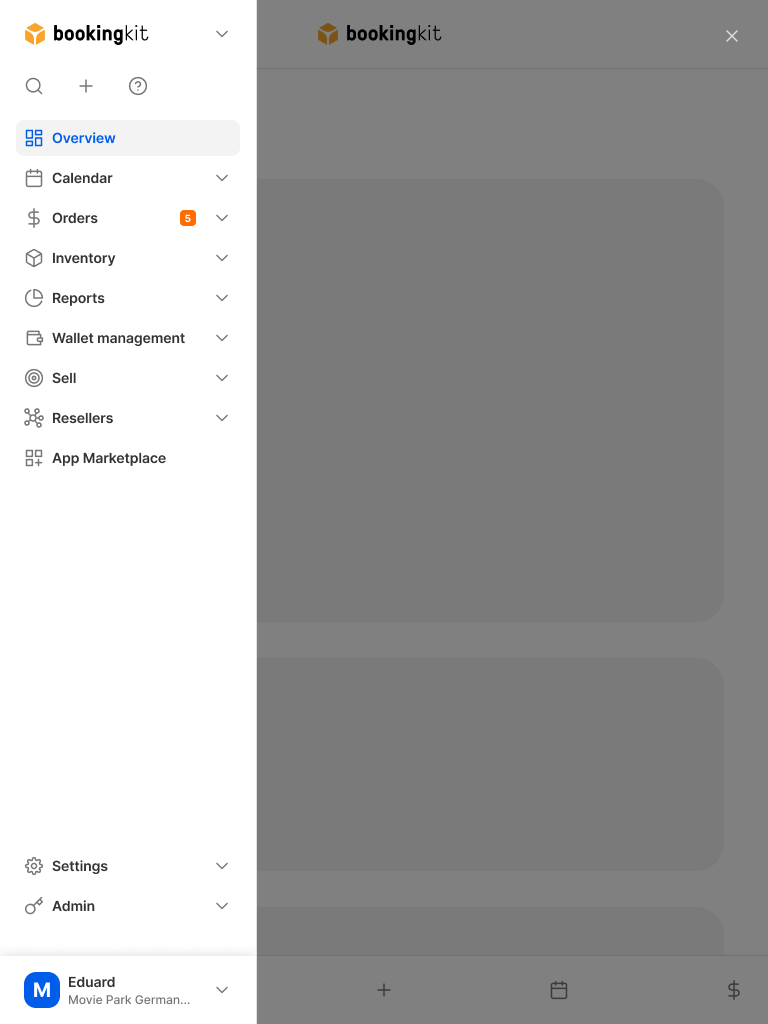
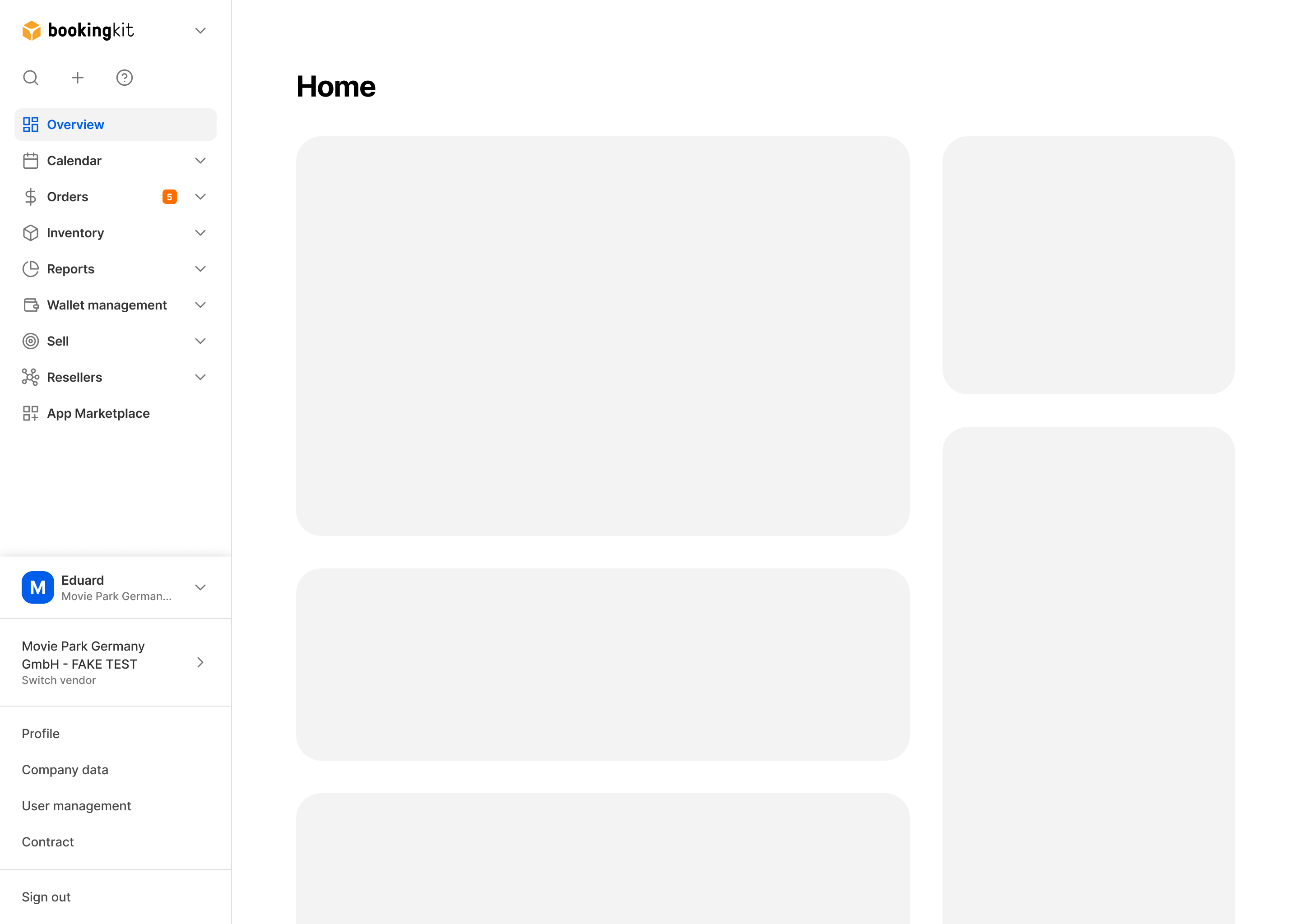
Images of Navigation: from left- mobile, tablet, desktop
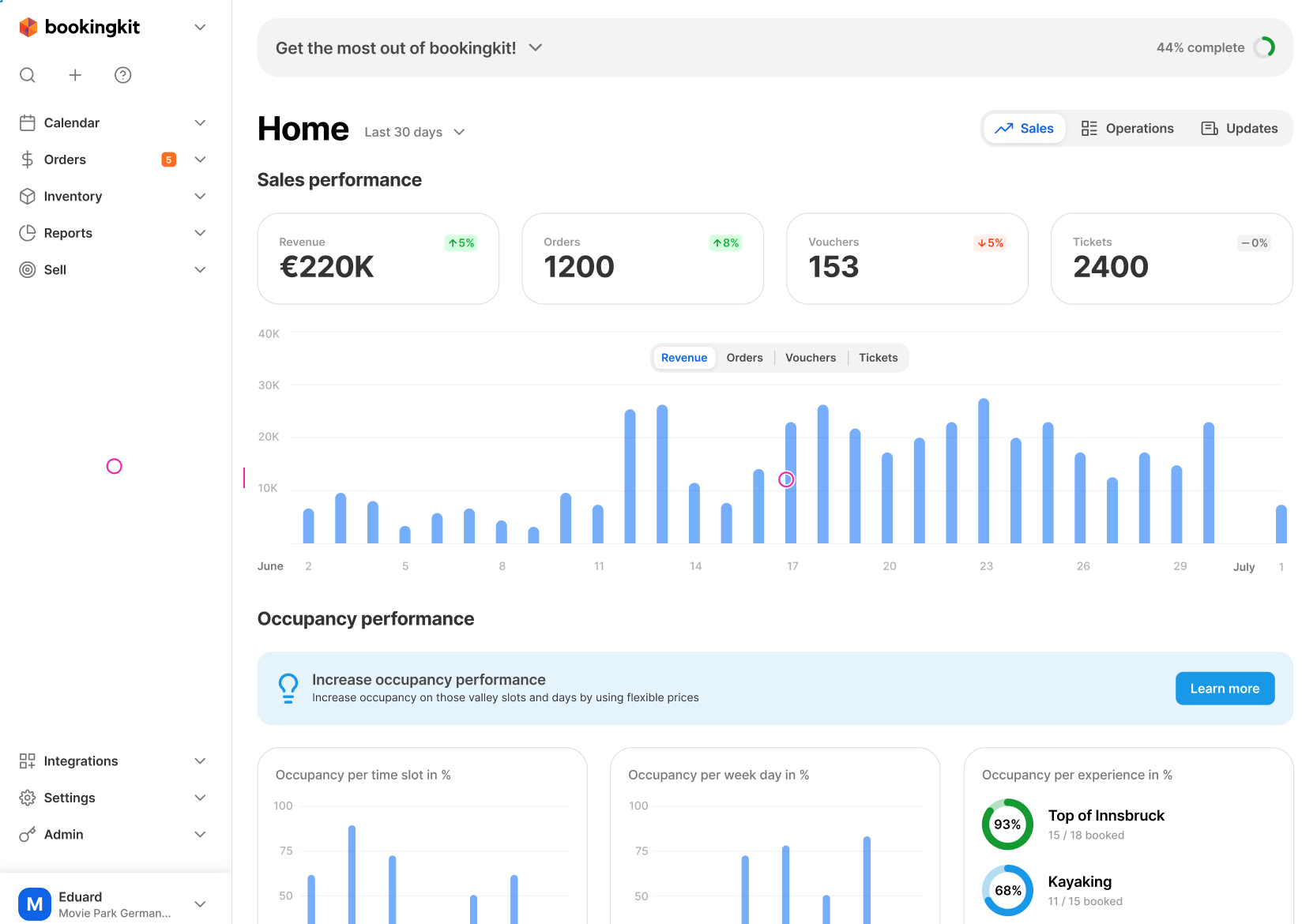
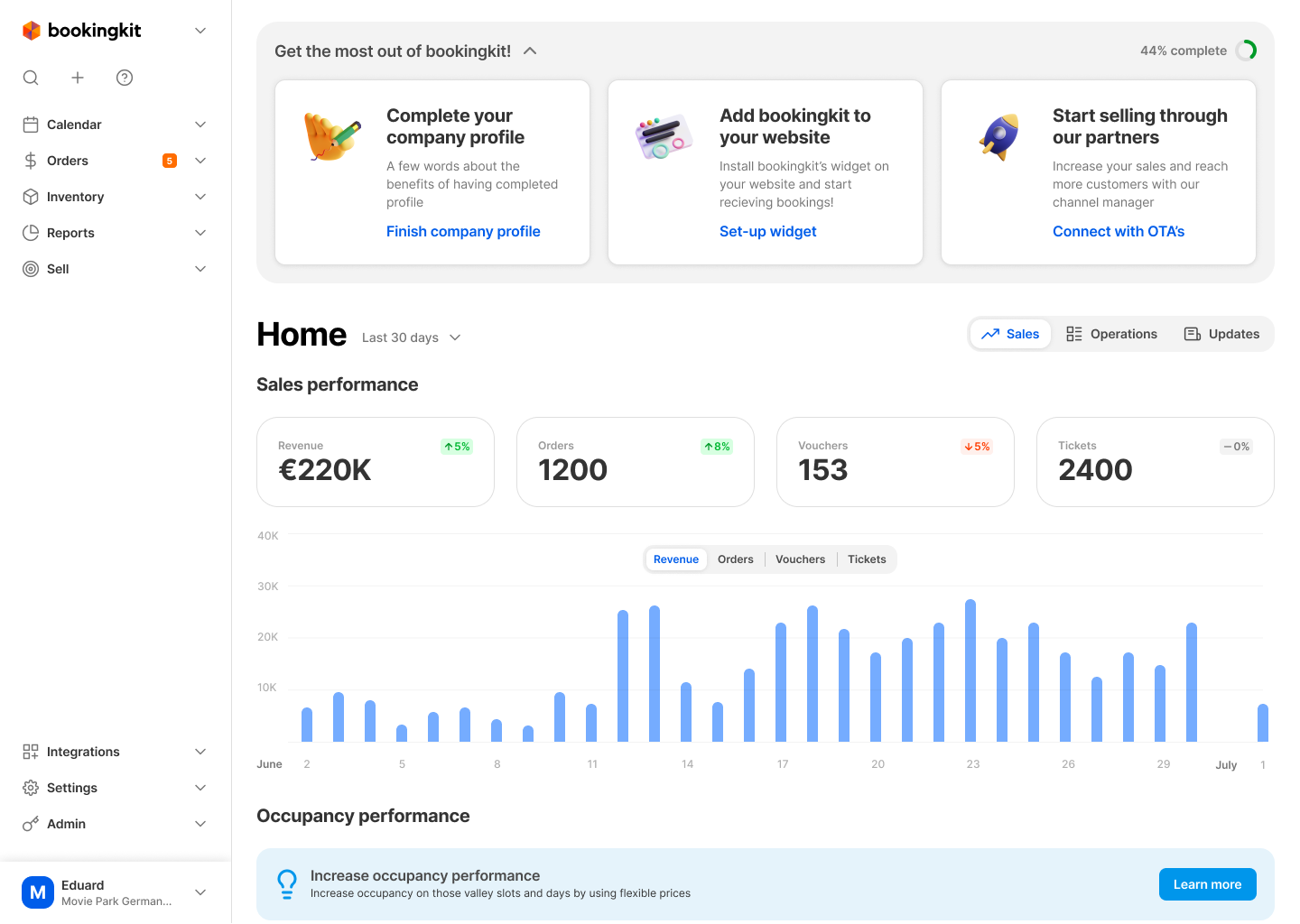
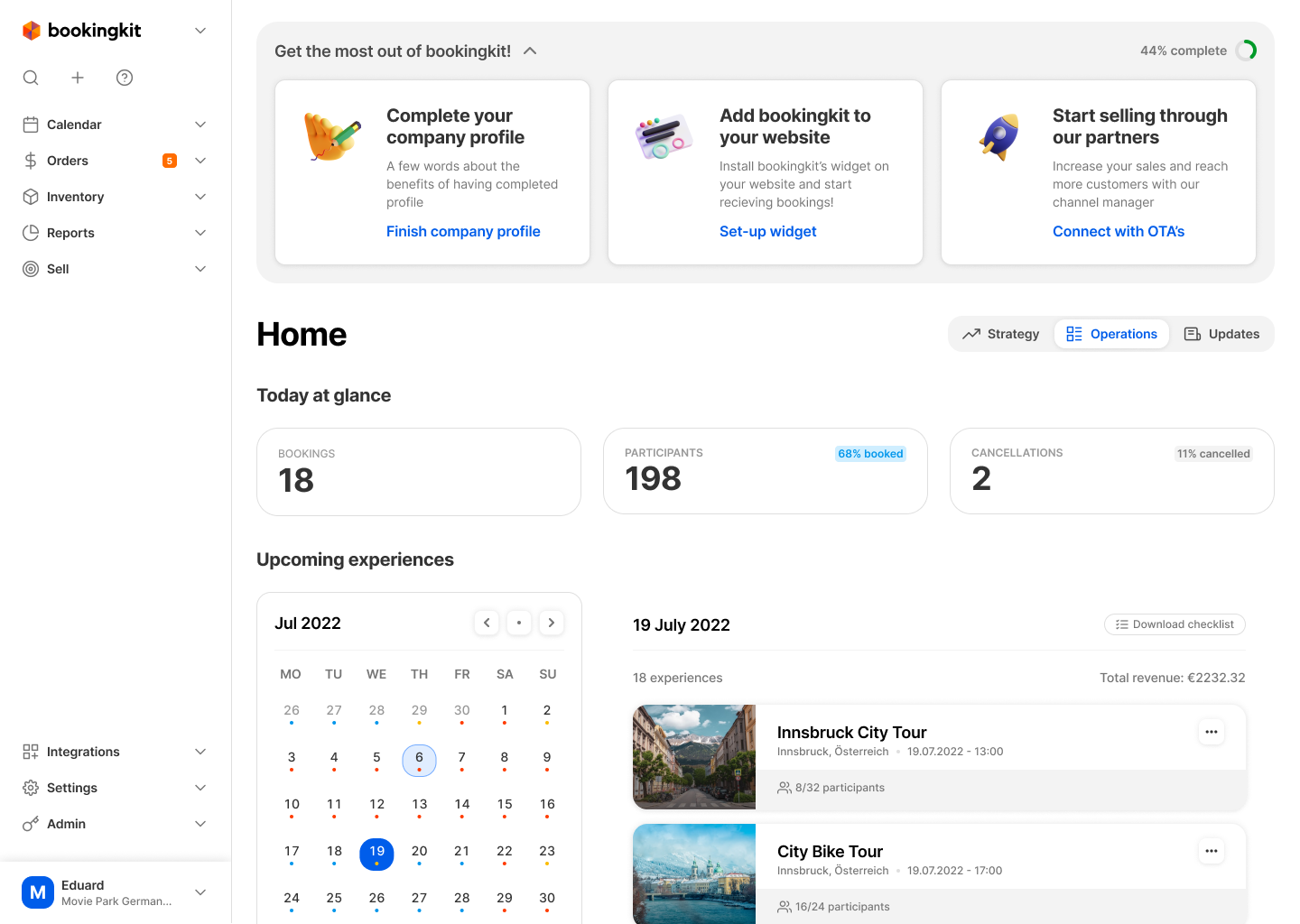
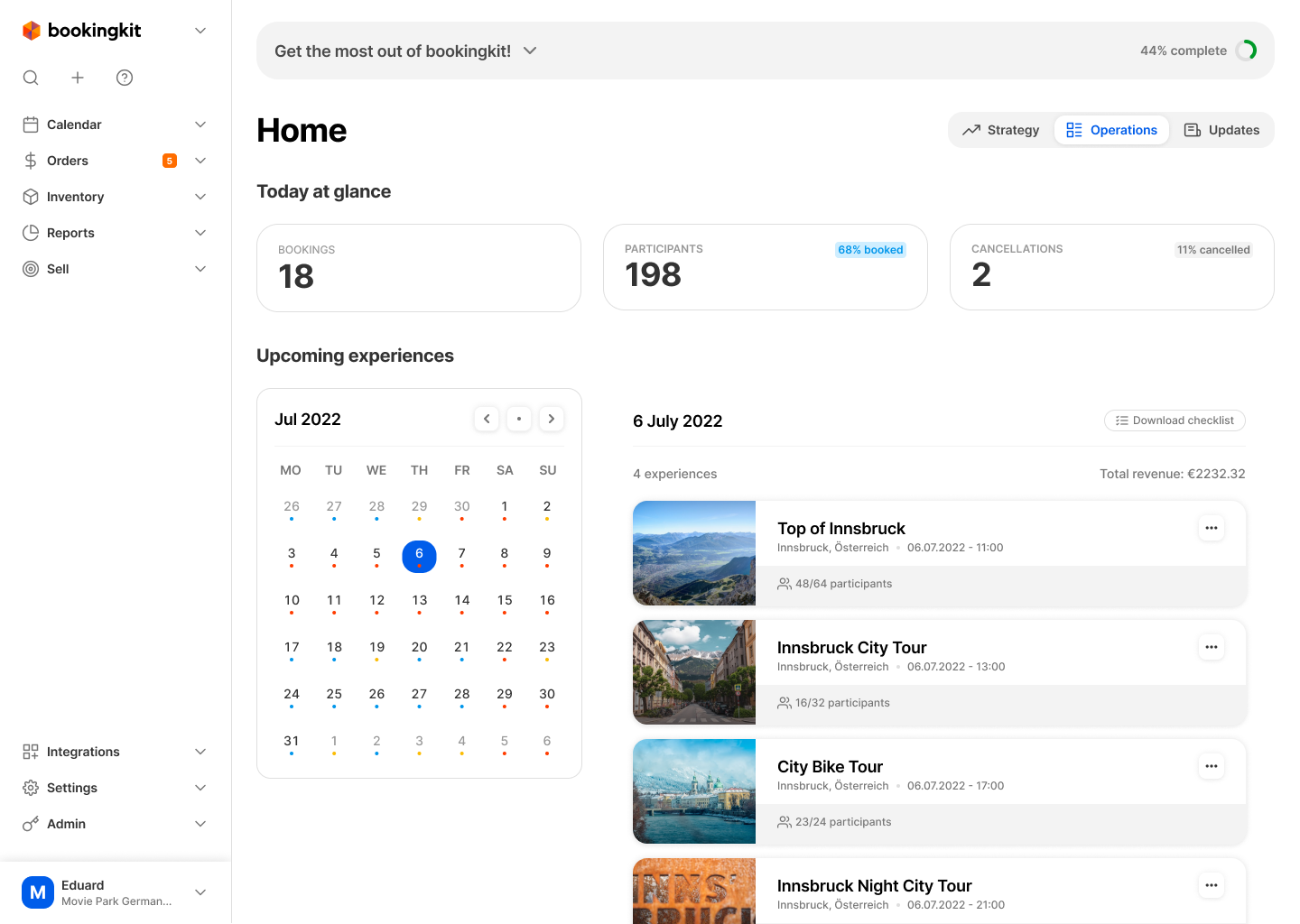
Images of Dashboard and Calendar
Selected Works